How it works and when
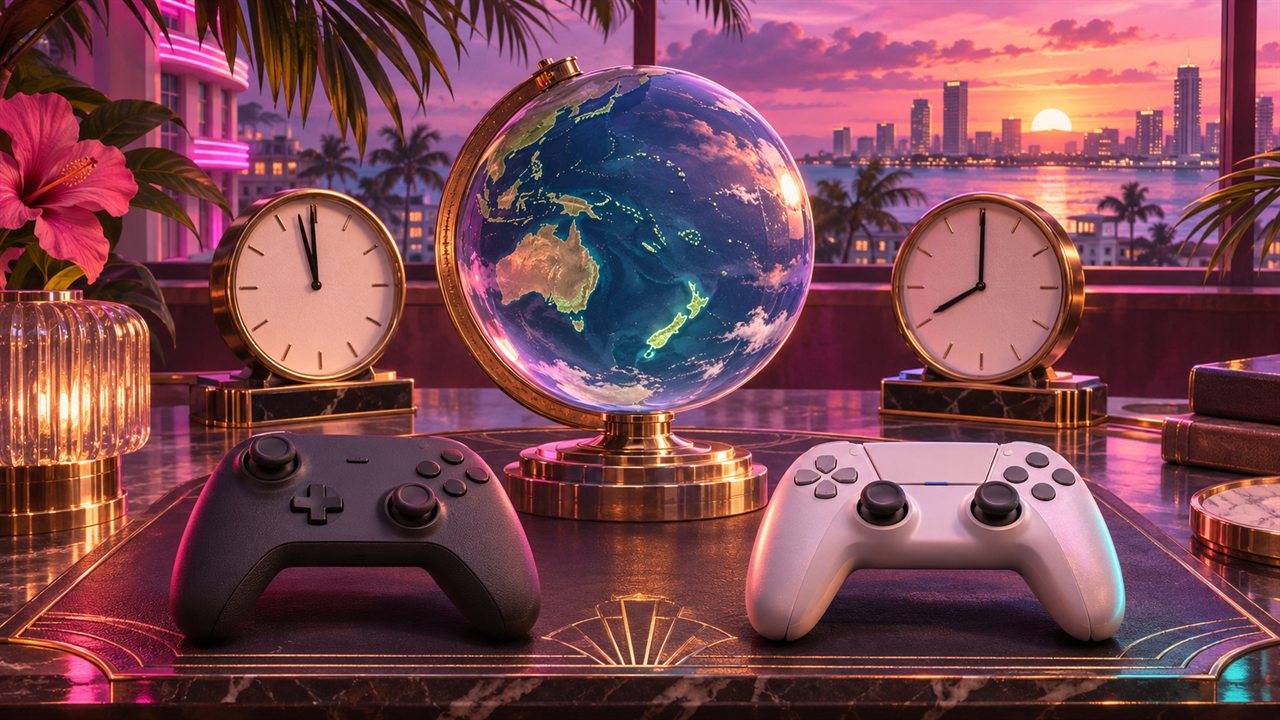
With a regional midnight release, some countries enter launch day before others. New Zealand reaches November 19 while it is still November 18 in the Americas and Europe. This is a time-zone difference, rather than a special edition or paid early-access period.
Rockstar confirms local midnight for GTA VI on both consoles. Whether changing a console setting also unlocks a purchase from your own country is a separate question. Media guides describe the New Zealand trick, but the regional schedule does not establish that every account or licence can use it.
New Zealand launch time in the US, Spain and Latin America
The reference point is November 19, 2026 at midnight in mainland New Zealand, including Auckland and Wellington: November 18 at 11:00 UTC. Every time below describes that same instant. These are not the scheduled unlock times for local purchases in each listed country.
- United States: November 18 at 6 AM EST in New York, 5 AM CST in Chicago, 4 AM MST in Denver and 3 AM PST in Los Angeles.
- Mainland Spain: November 18 at noon CET. Canary Islands: 11 AM.
- Mexico City: November 18 at 5 AM. Bogotá and Lima: 6 AM.
- Buenos Aires: November 18 at 8 AM.
Before changing settings, prepare the copy you own
Use the account that owns the game and check that installation is complete. Review pending updates too. If the library only offers a purchase button, resolve the account or purchase first: a location setting does not grant a licence.
Preloading begins November 10, but downloading does not let you play that day. Xbox preloading starts globally at 00:00 GMT; that download schedule does not make the November 19 release a simultaneous worldwide unlock. A boxed download code must be received and redeemed before you can prepare that copy.
Follow along on Xbox
Microsoft documents this settings route; media guides apply it to the New Zealand method. It changes console location. Its result for GTA VI can only be checked once the release window arrives. Note your original location so you can restore it.
- Xbox button
- Profile & system
- Settings
- System
- Language & location
Open the guide
Press the controller’s Xbox button. Go to Profile & system and open Settings.
Find the location control
Choose System, then Language & location. Find the Location dropdown.
Select New Zealand
Set that dropdown to New Zealand. This is a location change; manually advancing the clock is a different action.
Apply it with a restart
Choose Restart now. Afterwards, check the location and open your library.
Try at the relevant time
At or after the New Zealand launch time above, try opening your installed copy. If it remains locked, the change has not enabled access for that purchase.
The result is only established if the game lets you start playing. Seeing New Zealand in Settings is not proof of an unlock.
If you cannot find it or it does not work
If the console says you are too early, check installation, account and timing. If those are correct, wait for your regional release; reinstalling or buying again is not an established solution.
Return Xbox to your usual location
Open the same settings page, restore the location you noted and restart. Before buying anything, check that the store shows your usual region again. This settings route does not require migrating your profile or editing billing details.
Microsoft recommends regional changes for a long-term move and notes availability and balance limitations. We do not guarantee cross-region purchases or add-ons. When checking a copy you already own, do not add another purchase or change billing as a supposed unlock fix.
What is different on PlayStation
PlayStation account country cannot be changed after creation. Setting the console clock to New Zealand does not turn a US, Spanish or Latin American pre-order into a New Zealand store purchase. This is the important difference from Xbox’s location menu.
Dexerto and Windows Central describe a New Zealand account with a purchase from that store. That is another account and licence, rather than an automatic earlier unlock for a copy you already paid for elsewhere. Sony says account country should be correct and match billing. Inventing an address or buying foreign-region wallet credit is not part of this guide’s steps.
PS5: check your account region and purchase countdown
Use these steps to identify the purchase you are actually viewing. If you already legitimately have a New Zealand account owning the game, inspect that account’s pre-order. If you bought in your usual region, that purchase’s countdown is the relevant reference.
- Purchasing account
- Account country
- Game Library
- GTA VI
- Countdown
Check the account country
In web Account Management, open Your Information and the residential-address edit page. Read the country at the bottom; there is no need to change the address.
Open the correct pre-order
On PS5, use the account that bought GTA VI. Open Game Library and select the pre-order.
Inspect countdown and downloads
Check the countdown. Select it to review which included content is enabled for automatic downloading.
Wait for that purchase to unlock
When the countdown ends, check installation is complete and try launching. A clock change does not replace this check.
You have identified the owning account, its region and the countdown attached to the pre-order you possess.
If you cannot find it or it does not work
If the pre-order is missing, check the account and purchase receipt. You do not need a second copy to find the first copy’s release time.
If your copy stays locked
Read the message before changing more settings. An unfinished download needs installation to complete; a missing purchase needs an account check; a too-early notice concerns the unlock. These are different problems.
The described method does not require paying for a VPN or a third-party activation service. We do not promise an early unlock or claim that a more expensive edition includes one. Follow your copy’s countdown and notices, and recheck the official schedule close to release.
Sources & editorial notes
Sources reviewed November 4, 2026. Rockstar confirms local midnight on November 19; Microsoft and Sony document settings and accounts. Windows Central and Dexerto describe the regional method. We have not tested an early GTA VI unlock, and the cited official sources do not guarantee early access through a location change. Time conversions are Vice Route calculations. Original AI-generated editorial cover.
Rockstar Support · GTA VI regional pre-load and release times (November 3, 2026) ↗Microsoft Support · Change your country or region in Microsoft Store ↗PlayStation Support · Check your account country/region ↗PlayStation Support · Pre-order countdown and automatic downloads ↗Windows Central · GTA VI and the New Zealand region method (September 8, 2026) ↗Dexerto · How to play GTA 6 early on Xbox and PS5 ↗Read our editorial standards